Settings Reference
Open Settings (⌘ Command+, on macOS / Ctrl+, on Windows and Linux) and search for priintCloud to see all extension settings.
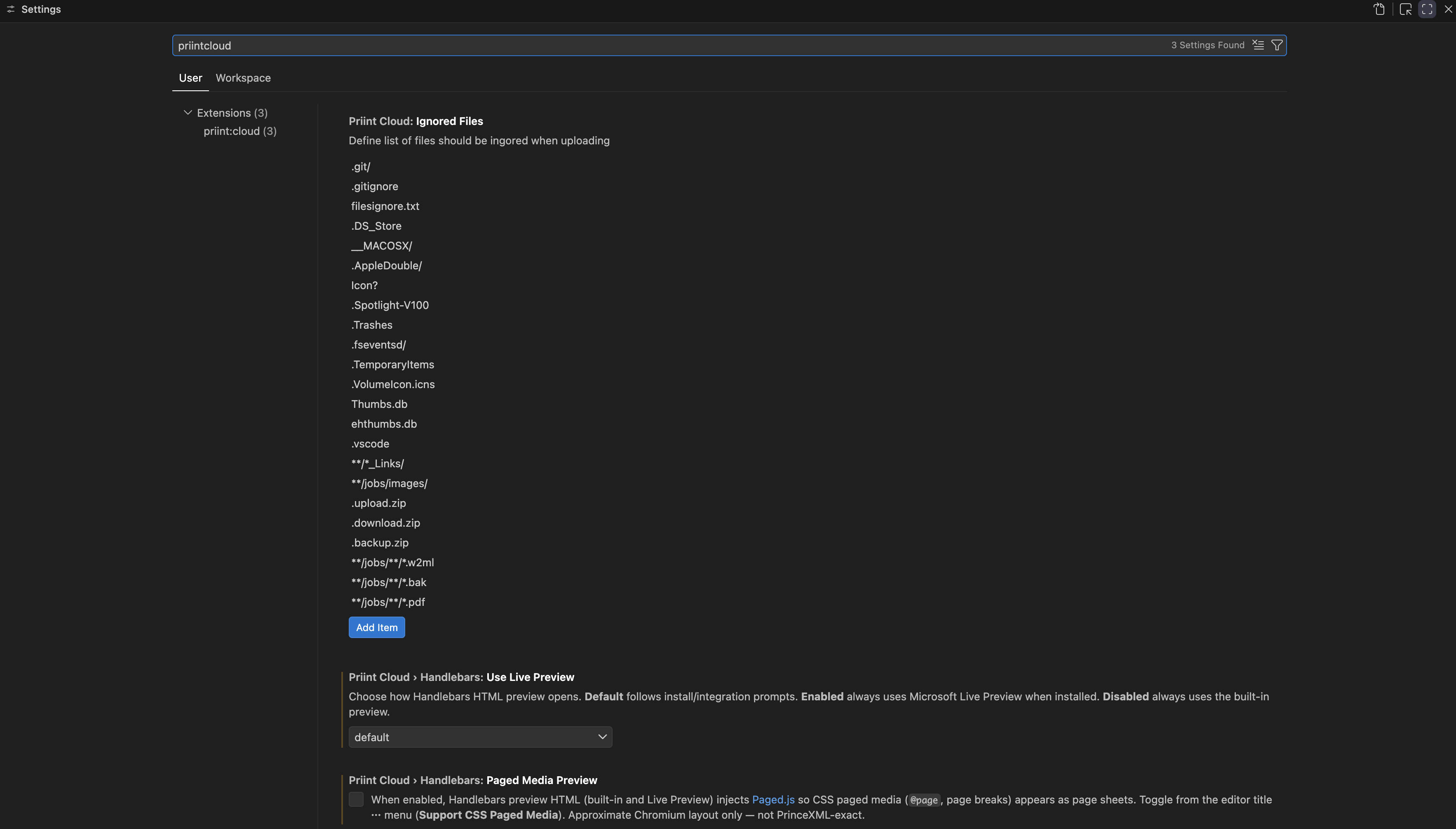
| Setting | ID | Default | What it does |
|---|---|---|---|
| Ignored Files | priintCloud.ignoredFiles | System files, .git/, zip markers, and some jobs paths | Controls which files are excluded when uploading a project. Patterns follow .gitignore syntax. Values from this setting are merged with any workspace-level overrides and with a filesignore.txt file at the workspace root. |
| Handlebars: Use Live Preview | priintCloud.handlebars.useLivePreview | default | Sets which preview host is used for Show HTML Preview. See Built-in preview vs Live Preview. |
| Handlebars: Paged Media Preview | priintCloud.handlebars.pagedMediaPreview | false (off) | When enabled, injects Paged.js into the preview to display @page and page-break layout. Can also be toggled from the editor or preview title menu. |
Ignored Files in detail
The upload process builds a combined ignore list in this order:
- The global
priintCloud.ignoredFilessetting (your User settings) - Any workspace-level override of the same setting
- Non-comment lines from
filesignore.txtat the workspace root (if the file exists)
Any file matching a pattern in this combined list is excluded from the upload zip. To keep a file that is excluded by default, remove the matching pattern from the setting.