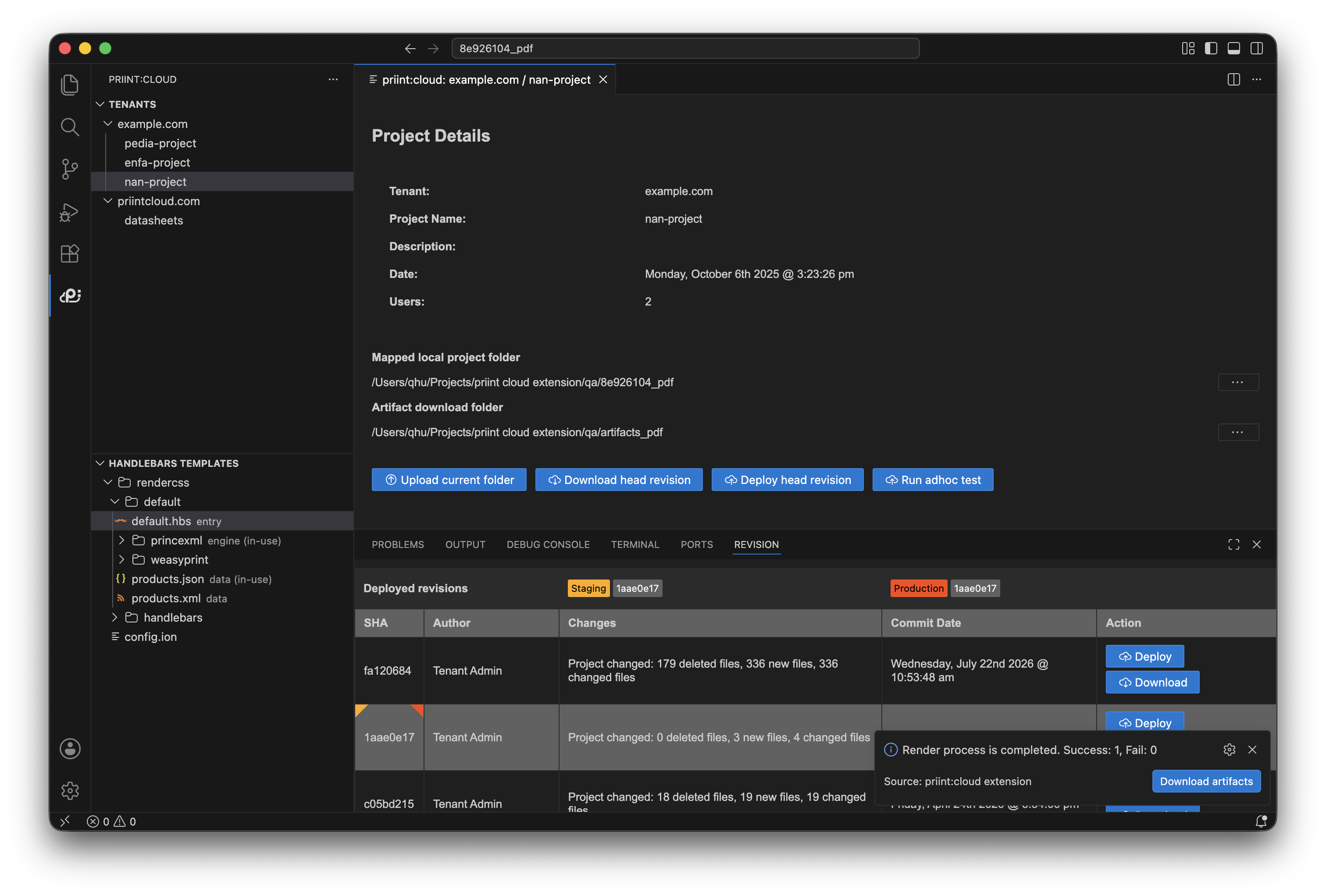
Adhoc tests & Artifacts
Adhoc test runs a one-off isolated build on the development environment without creating a new revision.
Where: Project detail → Run adhoc test (active projects only).
What happens:
- The extension zips the current workspace (same rules as upload: workspace root, ignores applied).
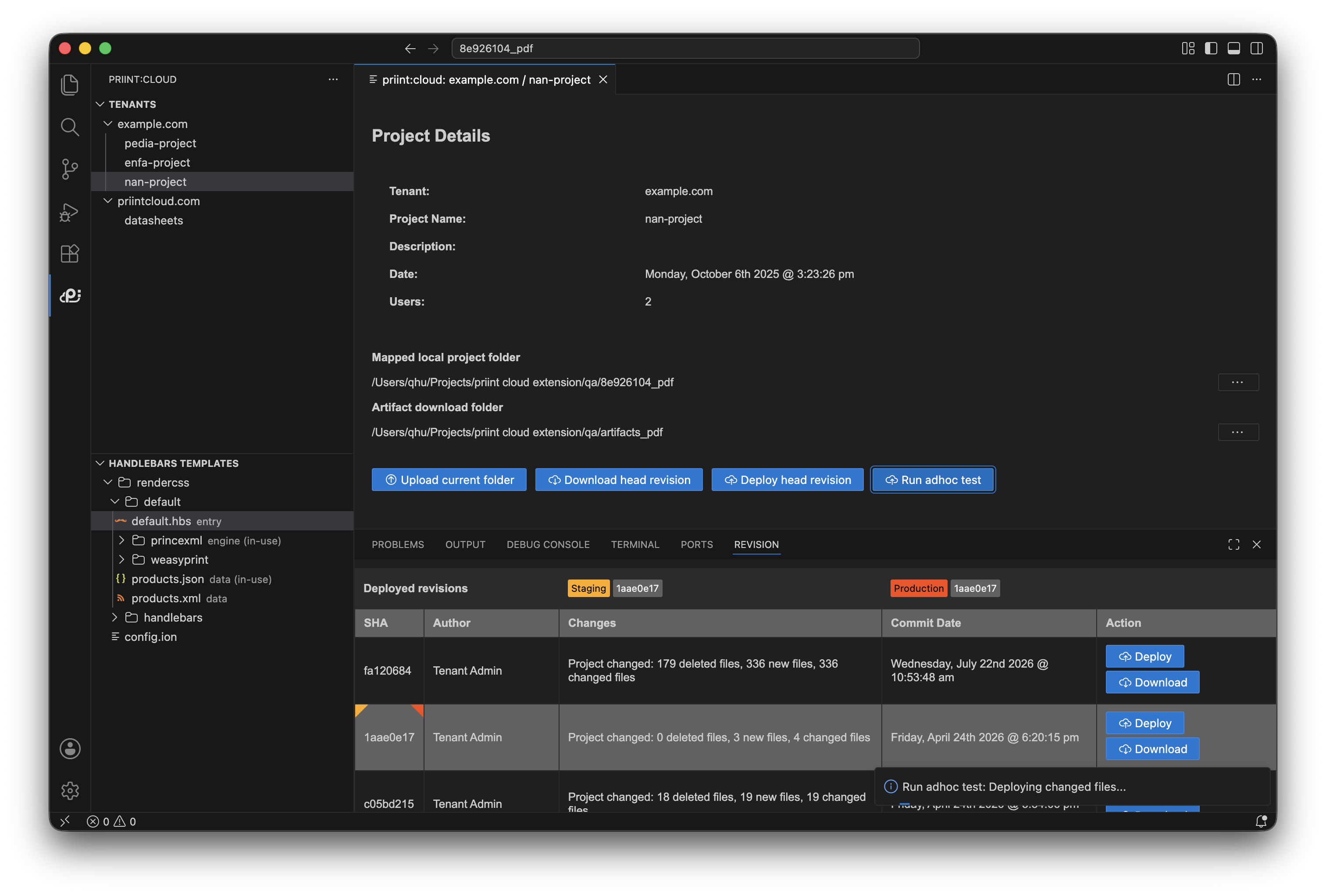
- A multi-step picker selects profiles, render engine, and tests.
- The test runs on the server. Progress is shown throughout.
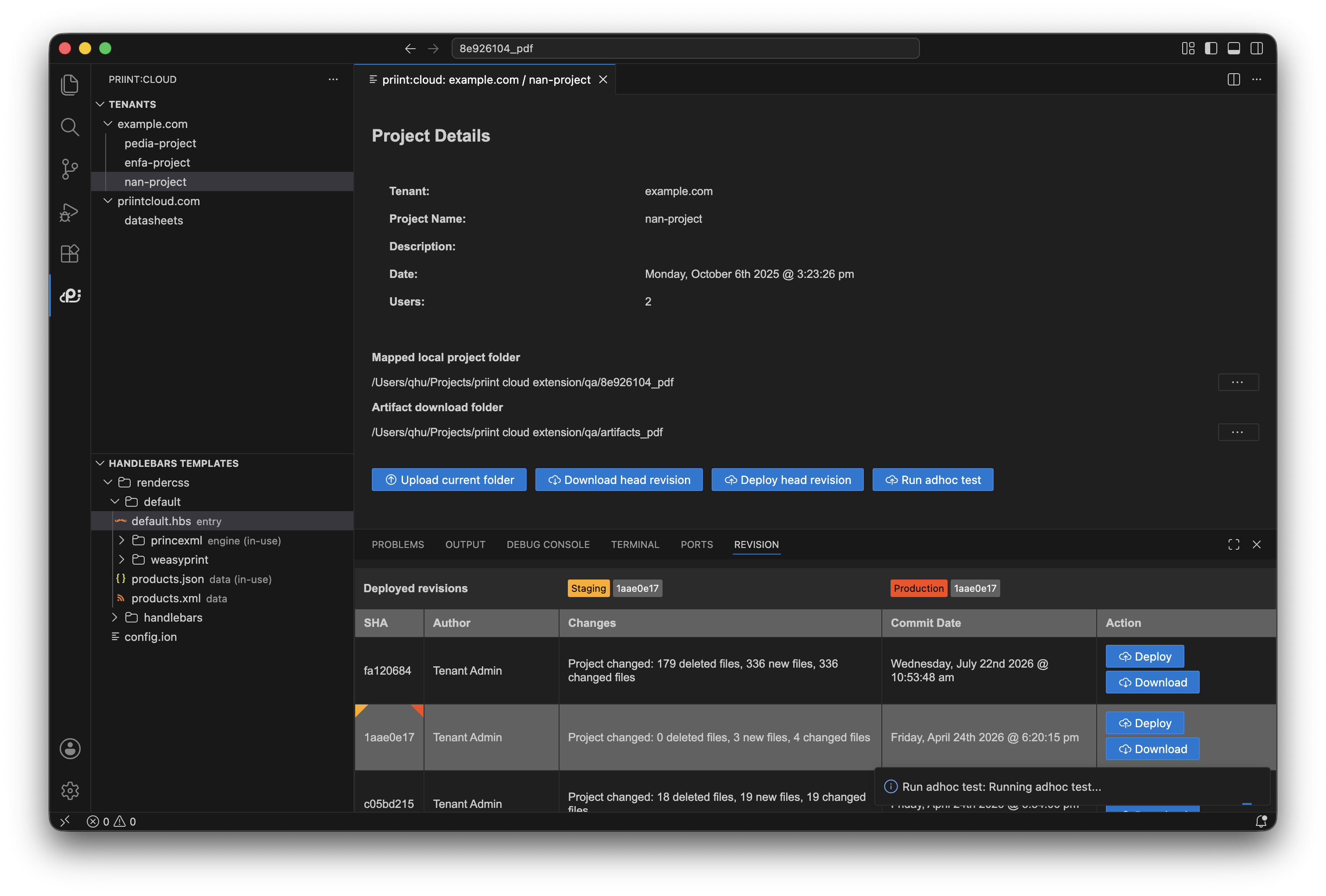
You may see:
- Test completion with an offer to Download artifacts — the test produced output files; they are saved to the Artifact download folder.
- "Process timed out" — server did not respond; the extension retries up to 3 times automatically.
- A message that the project is deactivated — adhoc test is not available.
Download artifacts saves the output files (rendered documents, reports, etc.) from the most recent deploy or test to the Artifact download folder configured in the project detail.