General Components
Main Navigation
The main navigation on the left-hand side provides access to the different sections of the management application.
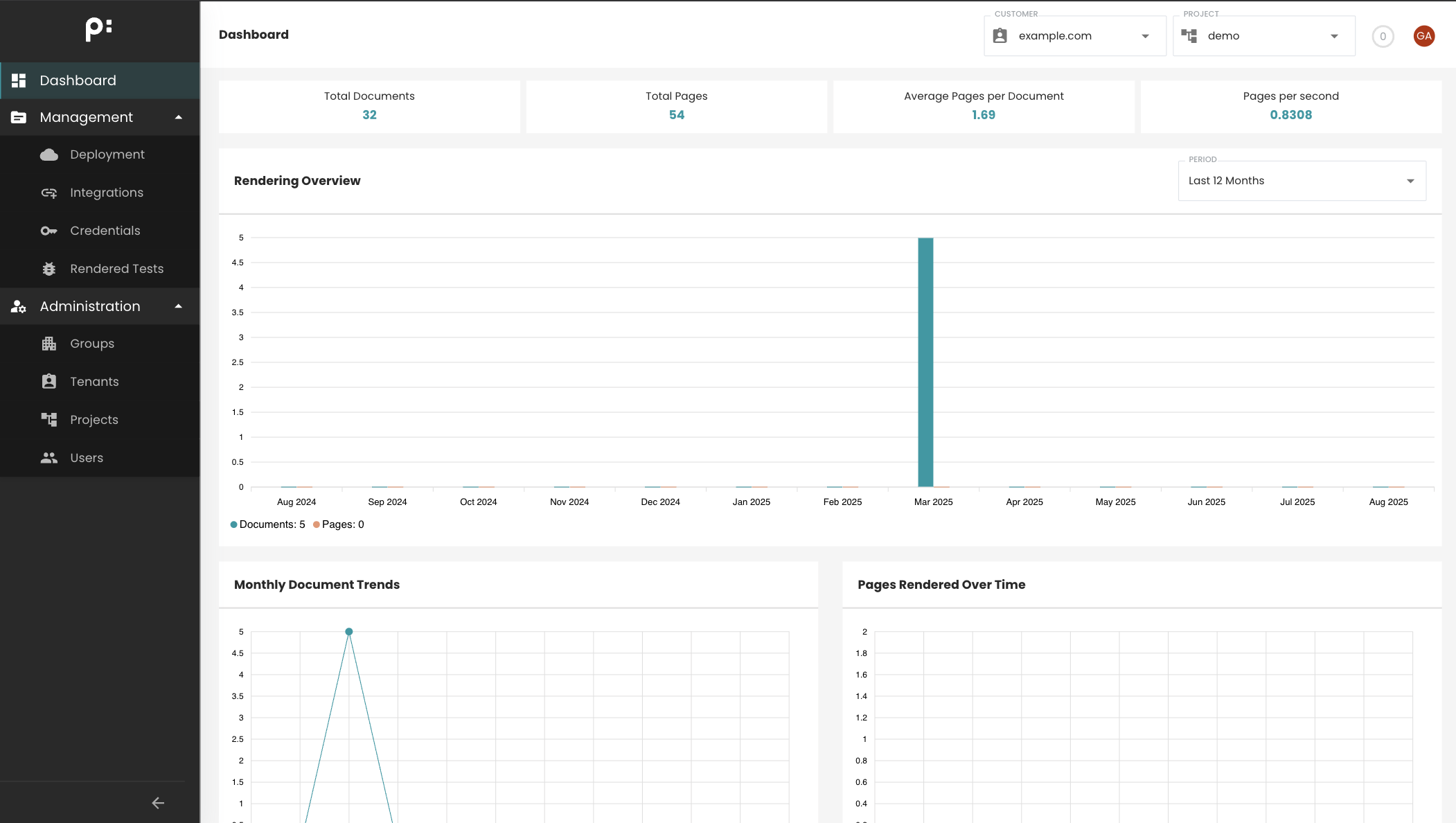
Management
The Management section contains tools for deploying priint:cloud projects to staging or production environments and configuring services via the Integrations page.
- Current Project
Administration
The Administration section provides tools to manage tenants, projects, and users for partners and customers.
Depending on your privilege level, you can create and edit tenants or projects, and invite or assign users to work on them.
Top Navigation Bar
The top navigation bar contains selectors for Customer (if you have access to multiple tenants) and Projects.
Most actions are performed in the context of a selected project. Once a project is chosen, the Deployment and Integration pages display information relevant to that project.
Background Processes
Clicking the circle next to the project dropdown opens the Background Processes popup, where you can monitor all ongoing background tasks in the application (Deploy, Upload, Run-Test,...).
User Menu
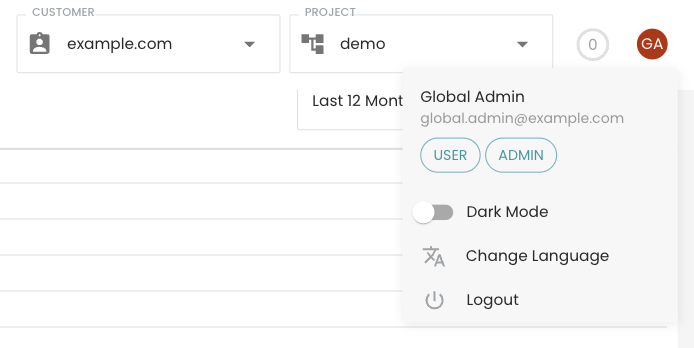
Clicking the circle containing your user initials (top-right corner) opens a menu to:
- Switch between dark and light mode.
- Change the UI language.
- Log out from the application.