Management / Rendered Tests
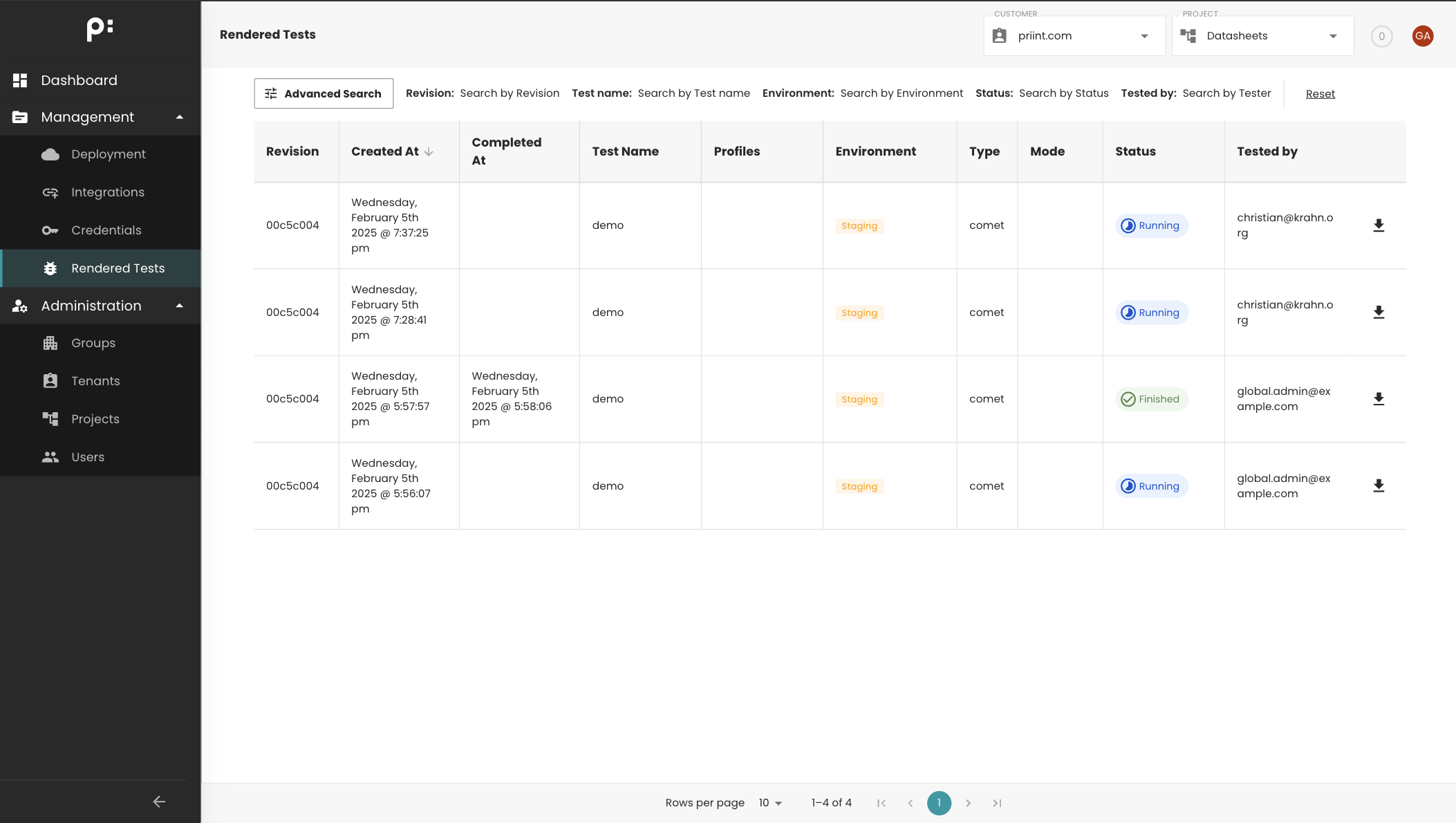
The Rendered Tests page allows users to view the results of each rendering process.
From this page, you can check the rendering status and download its generated artifacts.
To access the artifacts for a specific rendering:
- Locate the desired row in the table.
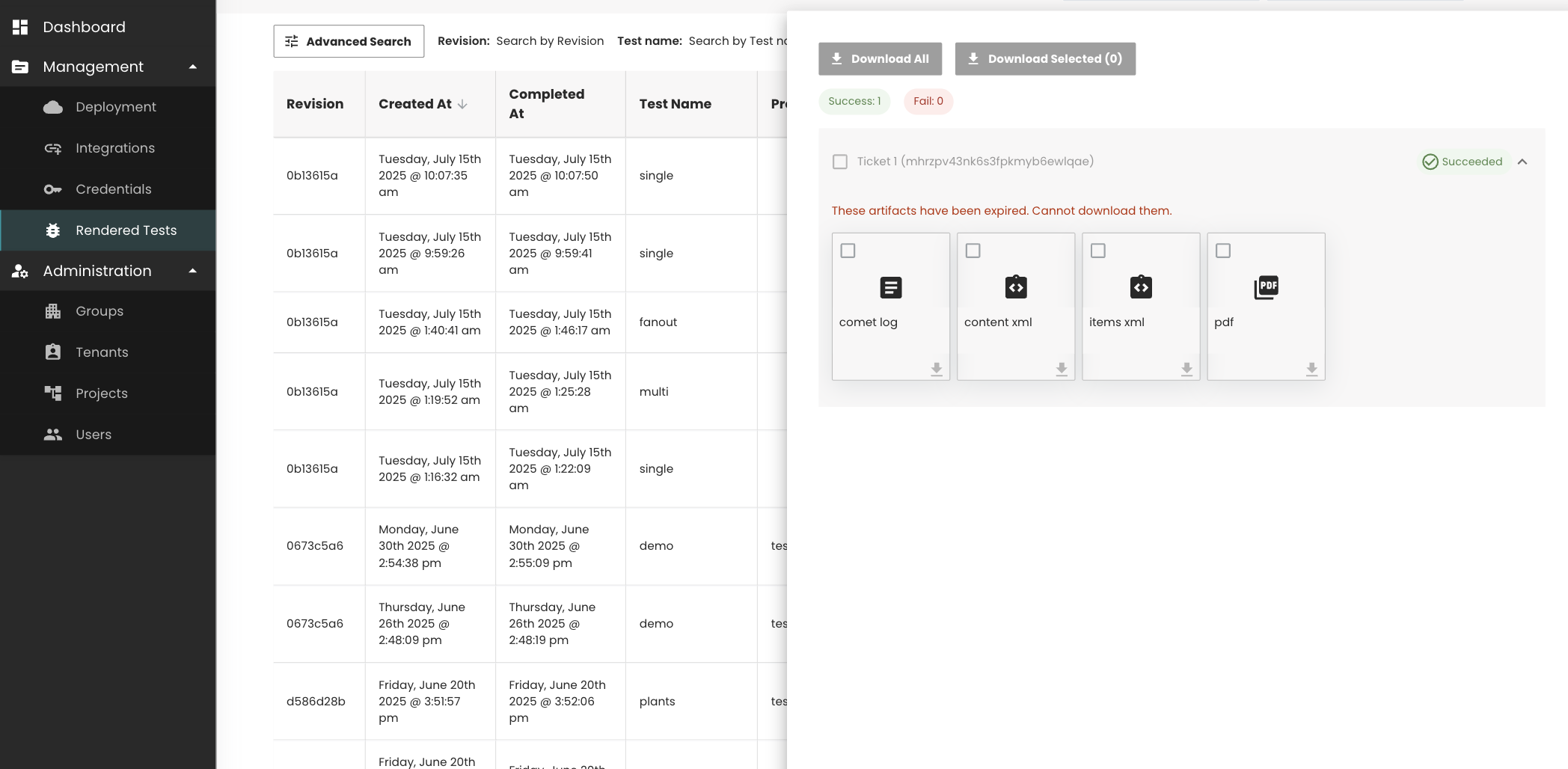
- Click the Download icon in that row to open a popup containing the available artifacts.
warning
Artifacts are available for download for 24 hours only.
After this period, they can no longer be downloaded.