Management / Integration
The Integration page allows a project manager (or higher roles) to configure individual microservices of priint:cloud.
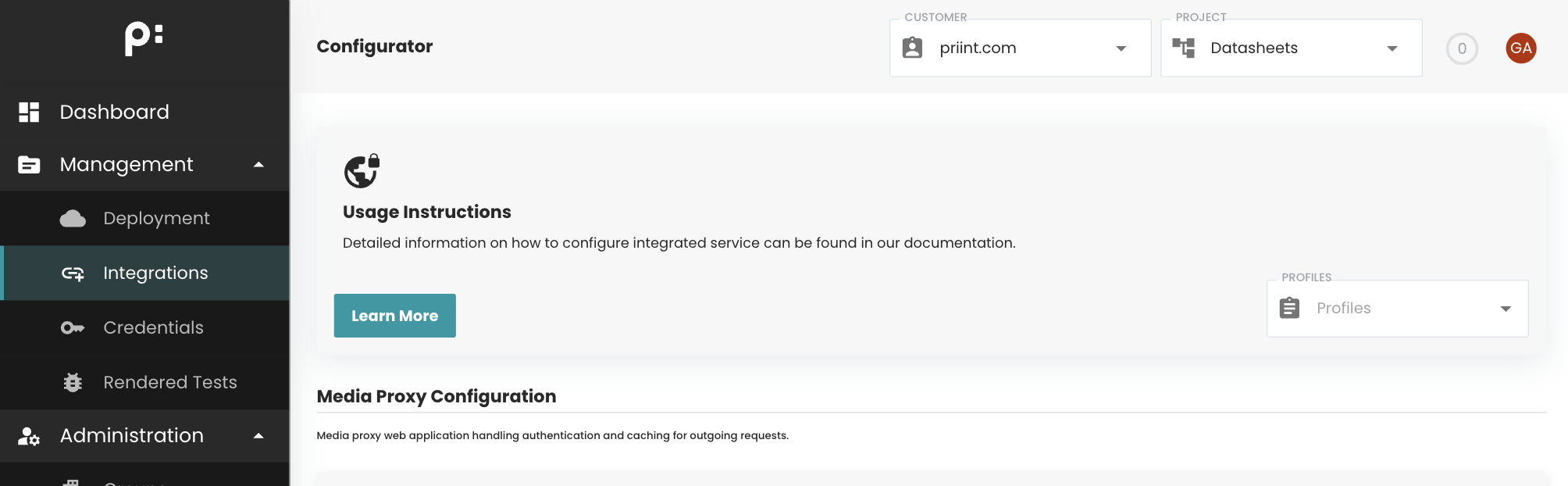
We separate different types of microservices:
- source (configuration of data sources like a data-agent or access to media repositories via our media-proxy)
- transformation (work in progress)
- export (configuration of the data output, e.g. rendering service, upload of rendered document via upload worker, and so on...)
Users can quickly switch between or initialize configuration profiles using the profile dropdown located at the top-right of the page. Each profile stores its own configuration parameters, which are loaded automatically upon selection. For detailed information on profile configuration, refer to here.
The configuration of our microservices is an advanced functionality and should only be done after sufficient training.
Source Services
Media Proxy
The Media Proxy web application manages authentication and caching for outgoing media requests.
Configuration details: Media Proxy Configuration.
Export Services
Callback
The Callback worker sends webhook notifications after a rendering process completes.
Typical use case: informing a third-party system that the rendered PDF is available for download.
Configuration details: Callback Configuration.
Error
The Error worker handles runtime errors in the priint:cloud rendering service.
Configuration details: Error Service Configuration.
Render PDF
The Render PDF worker uses comet_pdf as the backend rendering application.
Configuration details: Render PDF Configuration.
REST API
The REST API gateway provides external access to the grid.
It accepts rendering requests and provides access to rendering results.
Configuration details: REST API Configuration.
Transform
The Transform worker performs XSLT transformations and optionally other transformation tasks.
Configuration details: Transform Service Configuration.
Upload
The Upload worker sends rendering outputs to remote storage systems using HTTP, FTP, and other protocols.
Configuration details: Upload Service Configuration.
Environment
Environment configurations
Allow user to update config of env.ion file for each environment and profile
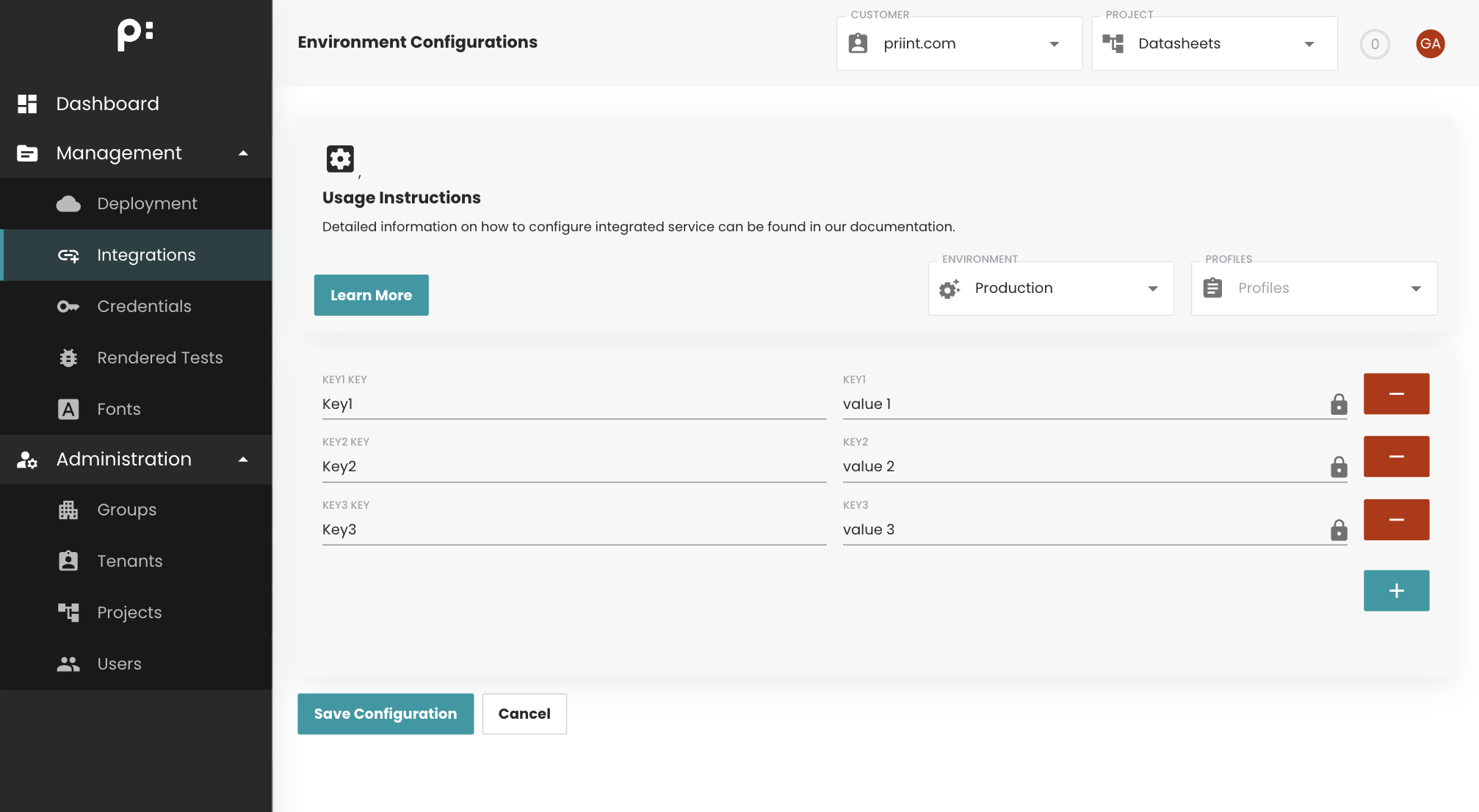
User can select environemnt and profile by choosing value in 2 dropdowns at the top of view. The config will be loaded base on the selection

As default no profile will be selected.
User can select x button in the profile dropdown to set no profile for this configuration.
The key input should use letters, numbers, or underscores, but must start with a letter and end with a letter or number.
For example: abc12_3def, abc_123_d4.
The value input should not be null.