'priint: Create new Action'
Steps
1. Select the type of the action
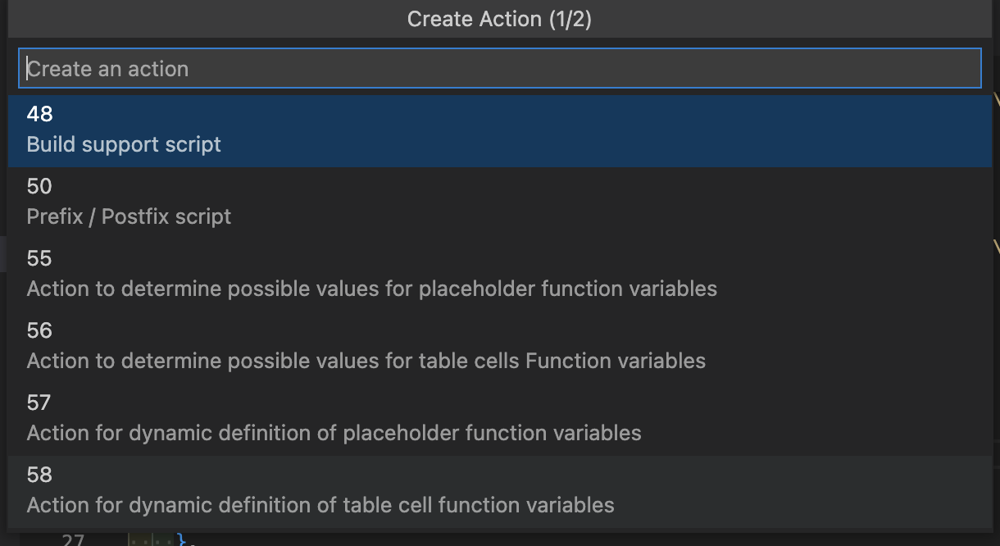
2. Input the name of the action
3. A new entry will be created in the actions.xml and a new .crpt file will be created
For references, please check Create a Layout Rule/Condition
Relevant XML Structure
<actions>
    <action>
		<id>0</id>
		<name></name>
		<sequencenr>0</sequencenr>
		<classid>0</classid>
		<domain>0</domain>
		<type>0</type>
		<inputdocumentation></inputdocumentation>
		<outputdocumentation></outputdocumentation>
		<timestamp>1657791006258</timestamp>
    </action>
    <action>...</action>
</actions>