Search functionality
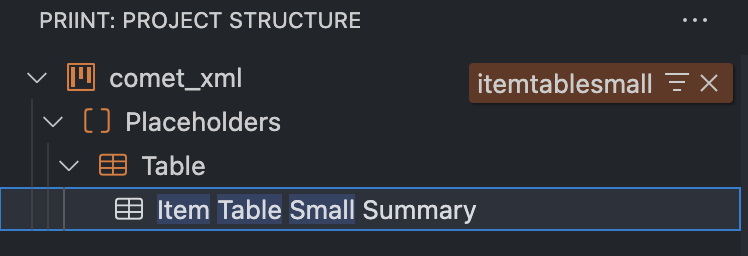
Visual Studio Code delivers a default search functionality. Just start typing when you have the tree view in focus.
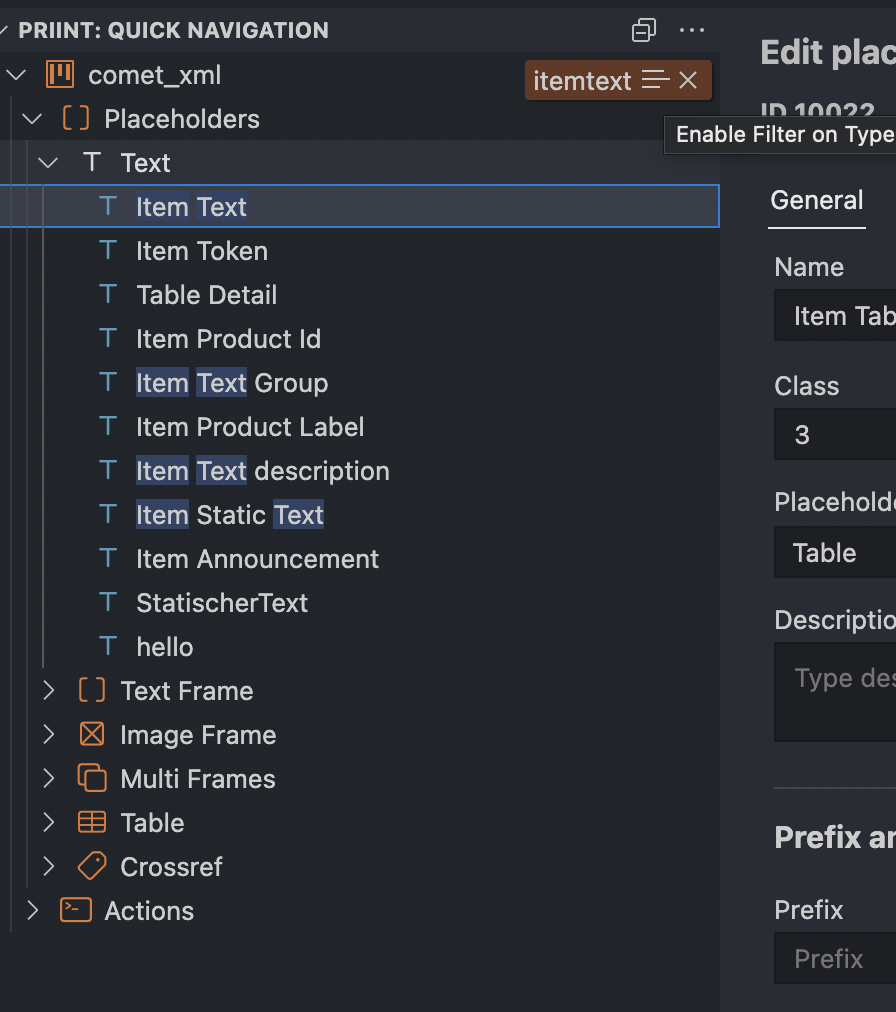
You can switch between matches being highlighted.

Alternatively you can view only the matching results by clicking on the icon next to the search text.

Quick Navigation
Editor Panel
You can limit the the search result by clicking on the funnel icon the brown search interface.