Introduction
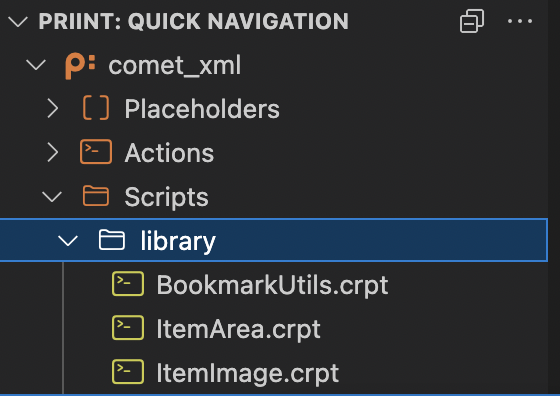
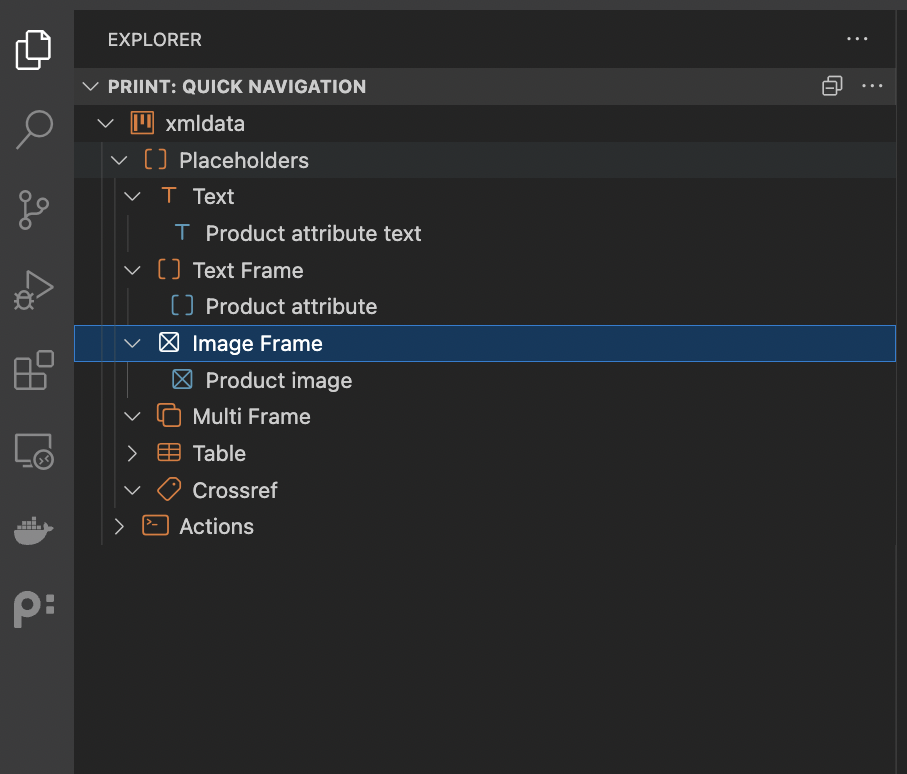
With the quick navigation feature, you can swiftly navigate to any script file that is associated with placeholder or action.
Whenever a placeholder has multiple actions defined, you will be prompted to select the action you want to navigate to.
Useful Tip
You can move the Quick Navigation to the top and hide your other navigation bars. That way you can easily navigate the placeholders and actions, without distractions.
Custom Scripts
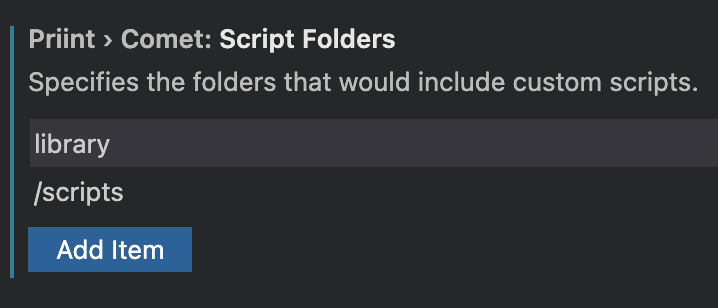
You can add custom folders that contain your scripts so it would appear in the Quick Navigation. Currently only .crpt files are supported.